


If you only keep one free saturator, make it this one. Saturation Knob packs Softube’s smooth analog-style drive into a single control with three voicing modes (Keep High, Neutral, Keep Low). It’s brilliant for adding harmonic density to dull sources without the “fizz” of harsher distortion. Put it on bass to firm the fundamentals, vocals to add presence, and drum buses to glue transients without killing them.
Why it’s great
Quick tip: On a drum bus, set Keep Low, drive until the overheads thicken, then pull the Mix/Wet (or use your DAW’s parallel routing) to blend back to ~15–30%. Instant weight without mud.
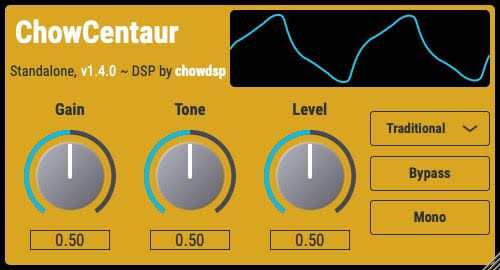
Modeled on the Klon Centaur pedal, ChowCentaur delivers characterful overdrive that retains dynamics and low-end definition—great on guitars, synths, and even vocals for a vibey edge. It uniquely offers both a traditional circuit model and a neural-network model you can switch between, which is rare in freeware.
Why it’s great
Quick tip: On a mono synth bass, turn the Gain up until you get a touch of growl, then use Tone to sit it above the kick. Automate the tone for acid-style rises.
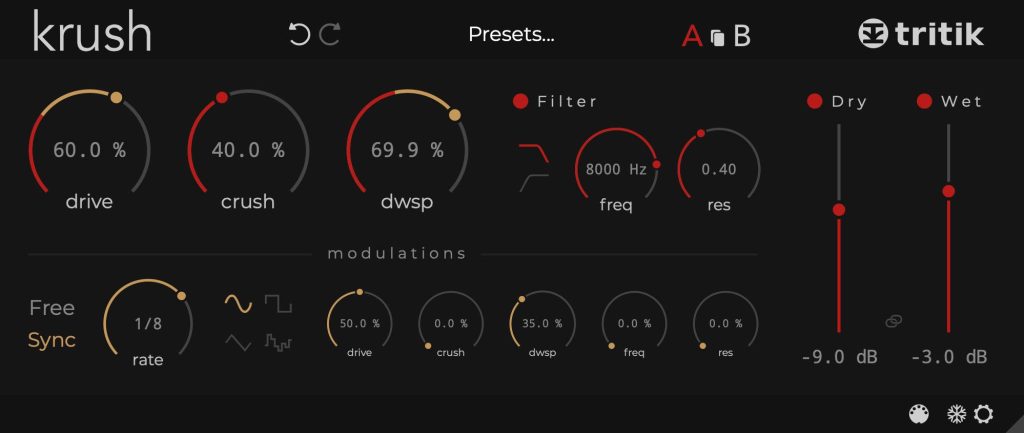
Krush nails the sweet spot between modern design and lo-fi filth—combining bit reduction, downsampling, resonant filtering, and a handy modulation section. You can dial tasteful edges or full on 8-bit destruction.
Why it’s great
Quick tip: On hi-hats, automate the Downsampling rate to create glitch fills at the end of phrases. Follow with a low-pass filter around 10–12 kHz if the aliasing gets too spicy.
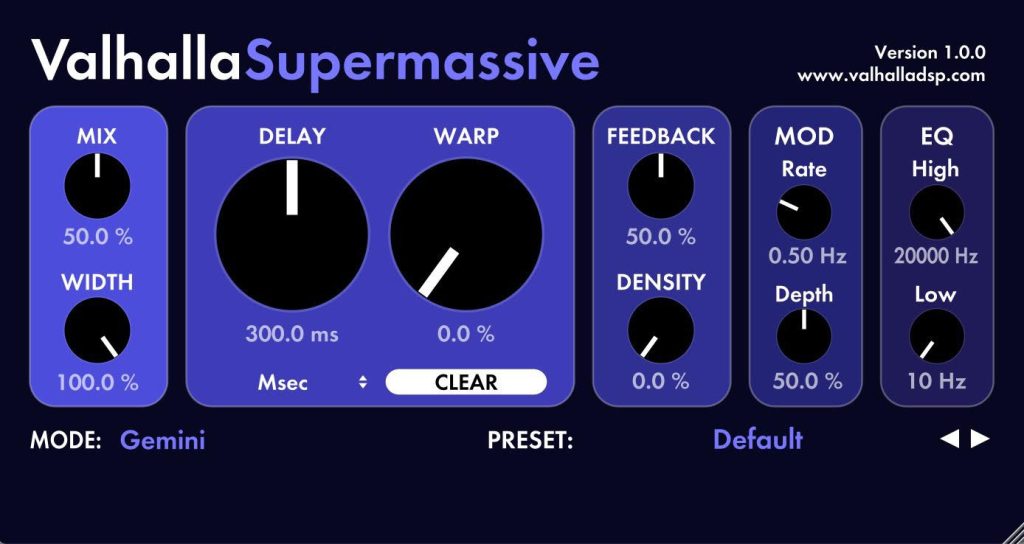
Is it a delay? A reverb? It’s both—and it’s glorious. Supermassive uses feedback-delay networks to create anything from tight ping-pongs to cosmic washes. It’s a sound-design playground that also excels as a bread-and-butter time-based effect.
Why it’s great
Quick tip: For guitars that need width without clutter, choose a shorter algorithm (e.g., Gemini or Orion), set Delay ~1/8 or dotted 1/8, and keep Feedback under 30%. Then roll off lows/highs with the built-in filters to tuck it behind the dry.
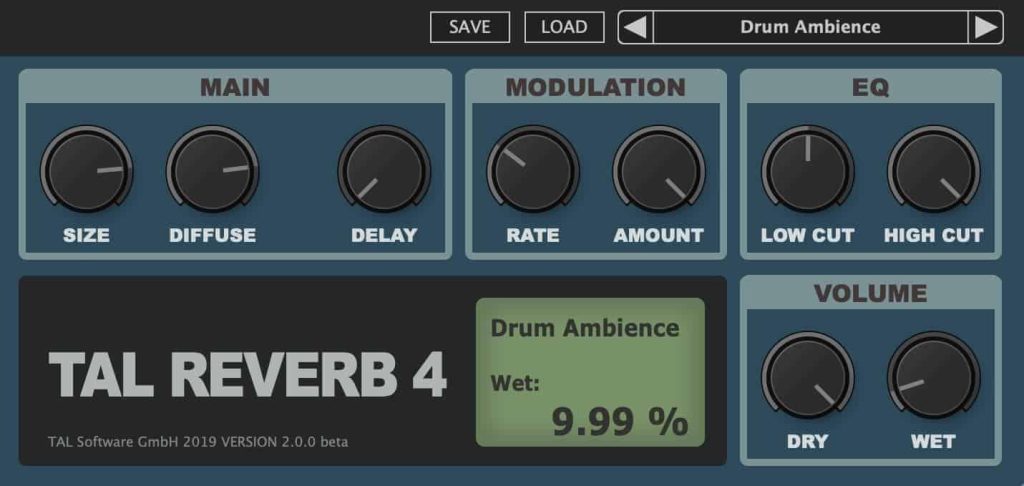
A modern classic of the freeware world, TAL-Reverb-4 is a high-quality plate-style reverb with a subtly modulated 80s character. It’s simple, lush, and great for sources that need a smooth tail that doesn’t grain out when pushed.
Why it’s great
Quick tip: On vocals, start with Size ~40–50%, Pre-Delay 20–40 ms to keep the initial consonants clear, and shape the tone with Low/High Cut so the tail doesn’t fight the sibilance.
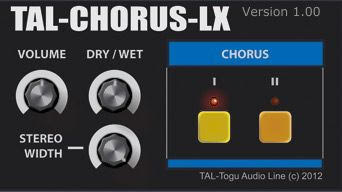
If you want the iconic Juno-60 shimmer, TAL-Chorus-LX is the one. It’s a faithful emulation with the same two-button simplicity, and it flatters almost anything: pads, guitars, vocals, basses (yes, subtly), you name it.
Why it’s great
Quick tip: On a mono synth pad, toggle Mode I + II for maximum thickness, then trim the wet level a couple dB with your DAW gain so the chorus reads as width, not extra volume.
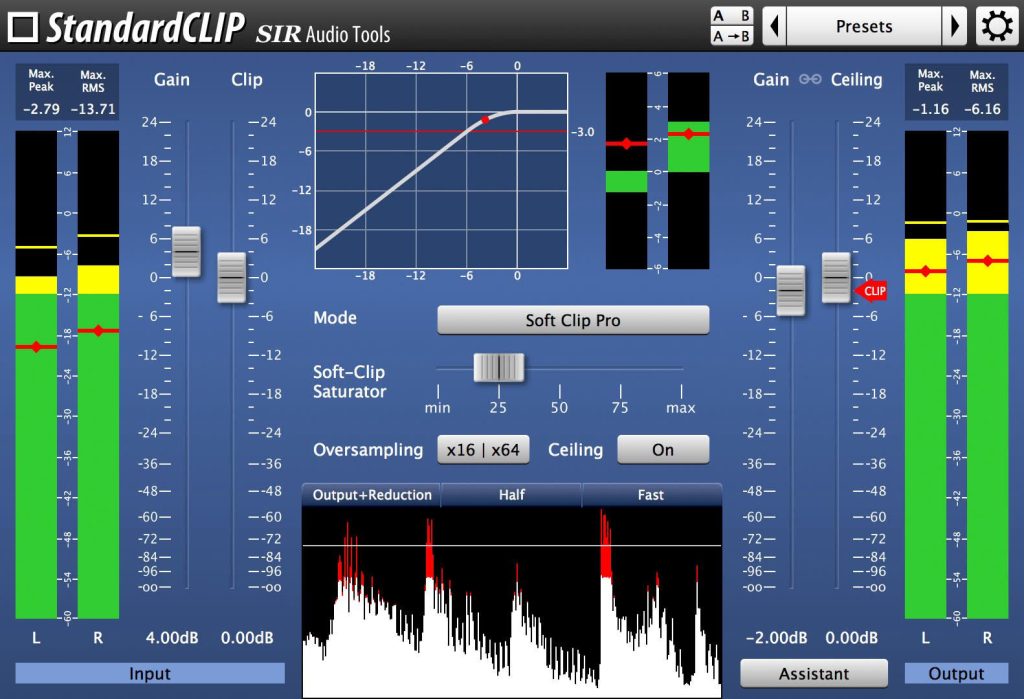
Clippers are essential modern loudness tools. StandardCLIP gives you hard and soft clipping curves, oversampling, and helpful metering so you can get loud without turning everything into square waves. Use it to catch peaks before a limiter, or as a creative tone shaper on drums.
Why it’s great
Quick tip: On your drum bus, try soft mode with 4–8x oversampling, drive until the snare’s transient “rounds” pleasantly, then trim output to match perceived loudness for a fair A/B. Follow with a gentle limiter for security.
While delay and echo overlap, a classic echo pick that feels different from a standard stereo delay is Valhalla Freq Echo. It combines frequency shifting with analog-style echo behavior, unlocking dubby feedback spirals, barber-pole whooshes, and spacey sound design that a regular delay can’t do.
Why it’s great
Quick tip: Toss it on a send, set Mix 100% and Delay to a dotted value; push Feedback until it’s on the edge of runaway, and automate Shift slightly during fills for evolving pitch-drift repeats.
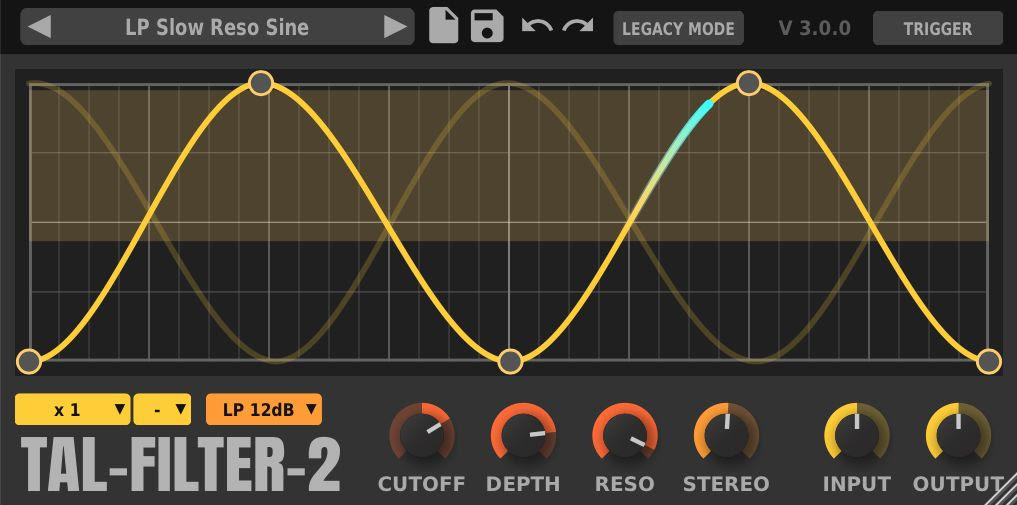
For rhythmic filter sweeps, trance gates, tremolo or panning patterns, TAL-Filter-2 is a gem. It’s a host-synced modulation filter with multiple filter types (taken from TAL-NoiseMaker), a drawable modulation curve, and options to modulate volume and pan as well as cutoff.
Why it’s great
Quick tip: On static pads, draw a 16-step pattern that opens the filter on off-beats; add a tiny bit of Pan modulation to create motion that survives mono. Consider saturating the input slightly (Filter mode) for extra grit.
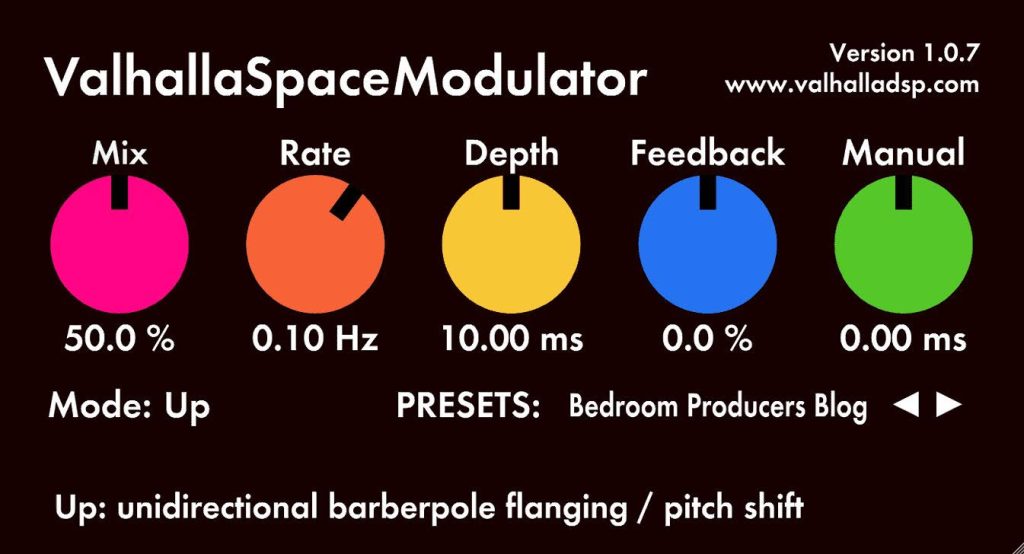
Space Modulator is Valhalla’s free modulation multi-tool, centered around flanging but capable of phaser-like textures, detuning, doubling, even odd echo/reverb-ish spaces. With eleven algorithms and through-zero flanging, it’s far more than a one-trick swoosh.
Why it’s great
Quick tip: For “big chorus without chorus,” pick Deep Space or Double Six, set Rate slow (~0.1–0.2 Hz), Depth around 30–40%, and keep Feedback low so you widen without the hollow combing.
This lineup gives you a complete, zero-cost toolkit that covers everyday mix tasks and wild sound design. If you’re just starting, grab them all and build a few default chains. If you’re experienced, these still earn real mix time, especially Valhalla’s trio for creative ambience and modulation.